AI agents that do the work, with human approval
Mark a task agent-eligible and Voo's worker picks it up, reads the relevant knowledge, uses the right tools, and hands the result back to your team for review.
- Skills (reusable playbooks) and tools (Google Ads, Meta Ads, GitHub, hosting, billing, and more)
- Output contracts and verification steps checked before a handoff
- Learnings and knowledge proposals so the agent improves with feedback
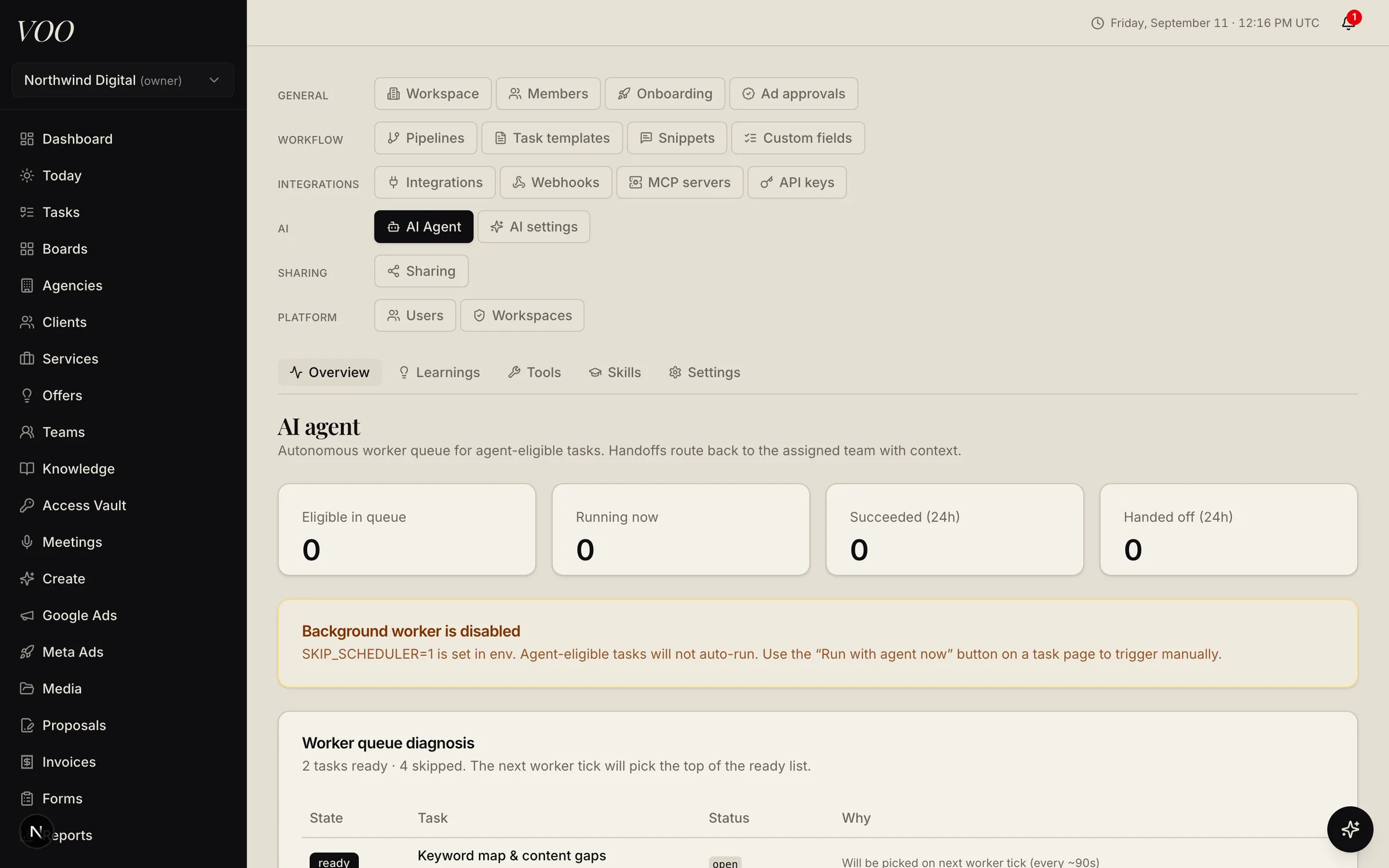
Voo ships an autonomous worker built for agency operations, not a chat box bolted onto the side.
How a run works
- A task is marked agent-eligible, on the template or on the task itself.
- The worker claims it, loads the pinned knowledge docs, the brand profile, and the skills that match.
- It works using scoped tools: reading reports, drafting content, proposing ad changes, opening pull requests, checking hosting.
- It checks its output against the task’s output contract and verification steps.
- It hands the task back to the assigned team with a summary. A person reviews, requests revisions, or approves.
Guardrails
Anything that changes the outside world (an ad budget, a customer reply, a deploy) goes through an approvals queue. Tool scopes are per task and per team. Every execution is logged, and each run can be replayed step by step.
Getting better over time
Reviewers leave feedback that becomes learnings. Agents that notice stale docs file knowledge proposals. A judge model scores runs so you can see quality trends by task type.
Bring your own models
Voo uses OpenRouter, so you choose the models for chat, sub-agents, images, video, transcription, speech, and music, and swap them from settings without a deploy.
Questions about agents
Can the AI agents change things without approval?
No. Agents work on tasks you mark eligible, and anything that changes the outside world (an ad budget, a customer reply, a deploy, a published doc) goes through an approvals queue where a person reviews and applies it. Every run is logged and replayable.
Which AI models does Voo use?
Voo routes through OpenRouter, so you choose. Defaults are set for chat, sub-agents, image generation and analysis, video, transcription, captions, speech, and music, and you can change any of them from Settings → AI without a deploy.